Vee Edge® Smart Centralized Management System (VECMS)
Unified Control. Complete Visibility. Intelligent Automation.
A powerful, enterprise-grade centralized platform to manage devices, users, applications, security, and IT operations—across on-prem, hybrid, and distributed environments.
What is VECMS?
Vee Edge® Smart Centralized Management System (VECMS) is an integrated IT management platform designed to centrally manage endpoints, users, applications, policies, and security from a single, unified console. Built for enterprise scale, VECMS simplifies complex IT operations, improves visibility, and reduces operational overhead while ensuring security and compliance.
Platform Architecture
- Centralized Web Console
- Secure Agent-based / Agentless Management
- Role-based access
- On-prem, Cloud, and Hybrid deployment support
- API-ready for integration
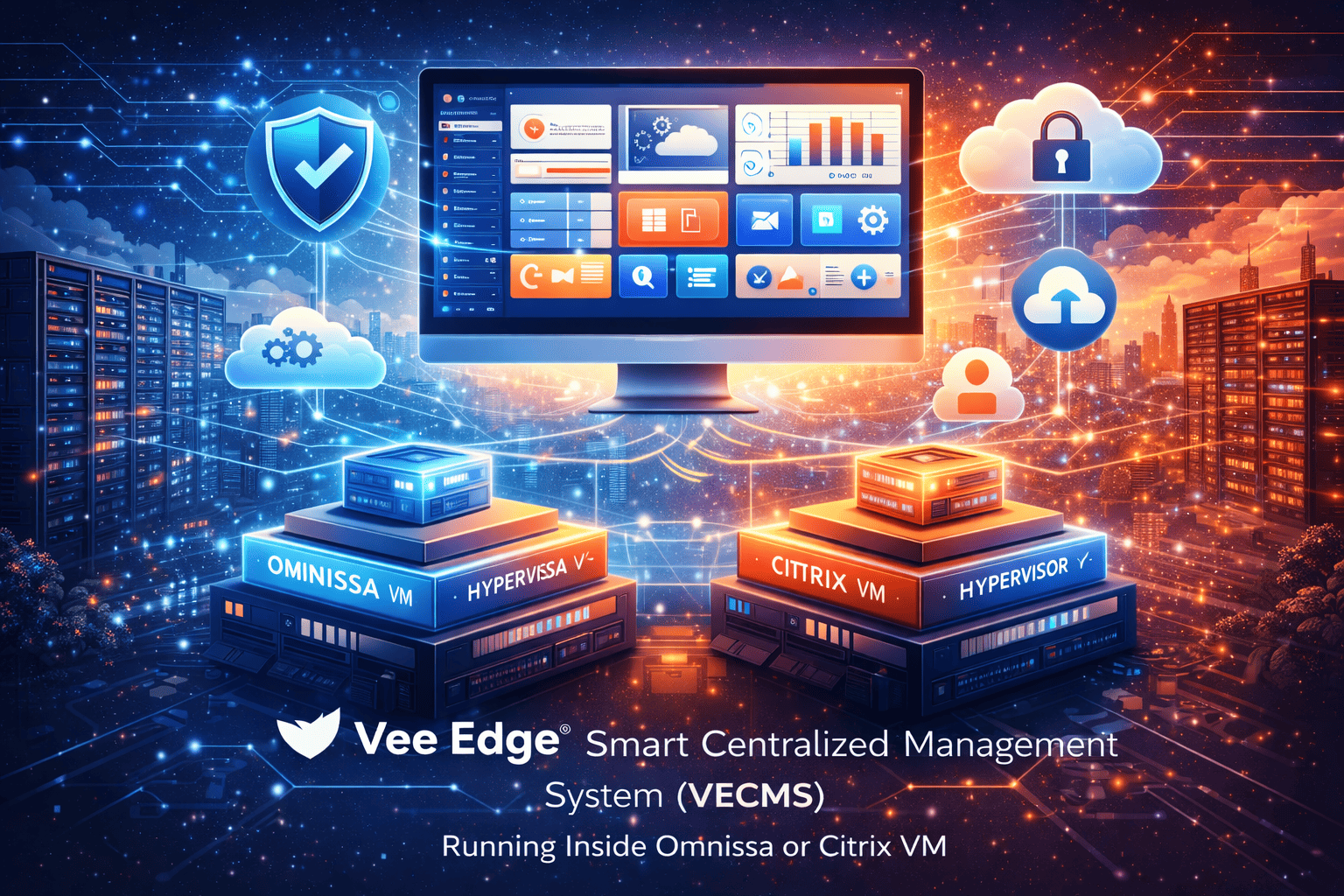
Unified Dashboard
A real-time, intuitive dashboard offering complete visibility into your IT environment—enabling faster decision-making and proactive management.
System Health
Real-time monitoring
Device Status
Complete overview
Alerts
Instant notifications
Compliance
Posture tracking
1. Device & Organizational Management
01. Devices
- Endpoint inventory (Thin Clients, PCs, Servers, VMs)
- Device status, health, and lifecycle
- Group-based policy enforcement
02. Organizational Units (OUs)
- Hierarchical OU structure
- Policy inheritance
- Department / location-based segregation
03. Enrollment
- Zero-touch enrollment
- Bulk provisioning
- Secure device onboarding
2. Device Activity & Discovery
01. Device Activity
- Real-time device usage
- Login / logout tracking
- Resource utilization monitoring
02. Discovery
- Network-based discovery
- Auto-detection of unmanaged devices
- Hardware & software fingerprinting
3. Hardware & Software Management
01. Hardware Management
- Complete hardware inventory
- Asset lifecycle tracking
- Warranty & configuration visibility
02. Software Management
- Installed software tracking
- License usage monitoring
- Unauthorized software detection
4. Endpoint & Security Management
01. Endpoint Management
- Centralized endpoint control
- Policy-based configurations
- Remote actions (remote access, logs, settings, restart, shutdown, lock, unlock, wake-on, message)
02. USB Manager
- USB access control
- Whitelisting / blacklisting
- Data leakage prevention
5. Application & Patch Management
01. Application Manager
- Centralized application catalog
- Application deployment & updates
- Version control
- Command Manager
02. Patch Management
- OS & application patching
- Automated patch schedules
- Compliance reporting
6. Package Repository & Deployment
01. Package Repository
- Central repository for applications & updates
- Versioned packages
- Secure storage
02. Deployment Queue
- Scheduled & prioritized deployments
- Bandwidth-aware rollout
- Deployment status tracking
7. Incident & IT Operations Management
01. Incident Management
- Ticket creation & tracking
- Incident categorization and assigning task
- Resolution history
02. Audit Logs
- Complete activity logging
- User actions & system events
- Compliance-ready audit trails
8. Reports & Analytics
01. Reports
- Device & asset reports
- Security & compliance reports
- Usage & performance analytics
02. Advanced Analytics
- Trend analysis
- Predictive insights
- Exportable reports (PDF, CSV)
9. User, Role & Access Management
01. User & Role Management
- Role-based access control (RBAC)
- Granular permissions
- Admin delegation
02. Email & Notifications
- Automated alerts
- Email notifications
- Event-based triggers
- Email/SMTP Settings
10. Settings & Configuration
01. System Settings
- Policy configuration
- Integration settings
- Backup & recovery
02. Security Settings
- Authentication methods
- Password & access policies
- Encryption controls
11. Validation & Certification
01. Omnissa Horizon VM
- Vee Edge® Smart Centralized Management System (VECMS) is self validated and certified within the Omnissa Horizon environment, operating inside an Omnissa Horizon virtual machine.
02. Citrix Workspace VM
- Vee Edge® Smart Centralized Management System (VECMS) is self validated and certified within the Citrix Workspace environment, operating inside a Citrix Workspace virtual machine.
Deployment Models & Scalability
Designed to scale from hundreds to tens of thousands of endpoints
On-Premises
Complete control within your infrastructure
Private Cloud
Flexible cloud-based deployment
Hybrid Environment
Best of both worlds
Business Value
Centralized Control
Manage everything from a single console
Reduced Costs
Lower IT operational expenses
Enhanced Security
Improved security & compliance
Faster Deployments
Quick updates & rollouts
Lower TCO
Reduced Total Cost of Ownership
Complete Visibility
Real-time insights across IT